

FREE TOOL · NO SIGN-UP TO START
Your 2026 garden, painted.
Tell us how your season went. We paint a garden from what you grew and sort your year into cards you can post.
The mic stopped listening. Tap to talk to keep going. Everything you said so far is saved in the box.
Talking works in Chrome and Safari. You can type it here instead.
Your mic is off, so you can type instead. What you said so far is still here. Turn on the mic in your browser settings
That's the most we can take in one go. You can fix anything on the next screen.
Not sure where to start?
Up to 10 plants. Seeing your cards is free. Saving them takes your email.
One moment…
Here's your season, by plant
Fix anything that's off, and remove anything you don't want in it.
We didn't catch any plants in that. Add the ones you grew below, one at a time.
That didn't go through. Try again.
Your 2026 season
Your cards
This is an example.
Make yoursFree. Your plants and notes come in as your garden's history.
Open GardenTrackGive your email below to save and share your cards.
Your field notes
Just for you. Notes to remember next year.
Plants that finished for the year come in as past plantings, and past plantings don't count toward the free plan's 10-plant limit. A tree, or anything else that comes back each year, comes in still growing.
Open GardenTrackThat didn't go through. Try again.
We'll hold your recap for 90 days. Save it in GardenTrack to keep it with your garden.
On your phone? GardenTrack runs in your browser, so there's nothing else to download. To keep it on your home screen, on iPhone tap Share, then Add to Home Screen. On Android, tap the ⋮ menu, then Add to Home screen.
What you get · examples
Two things from one chat.
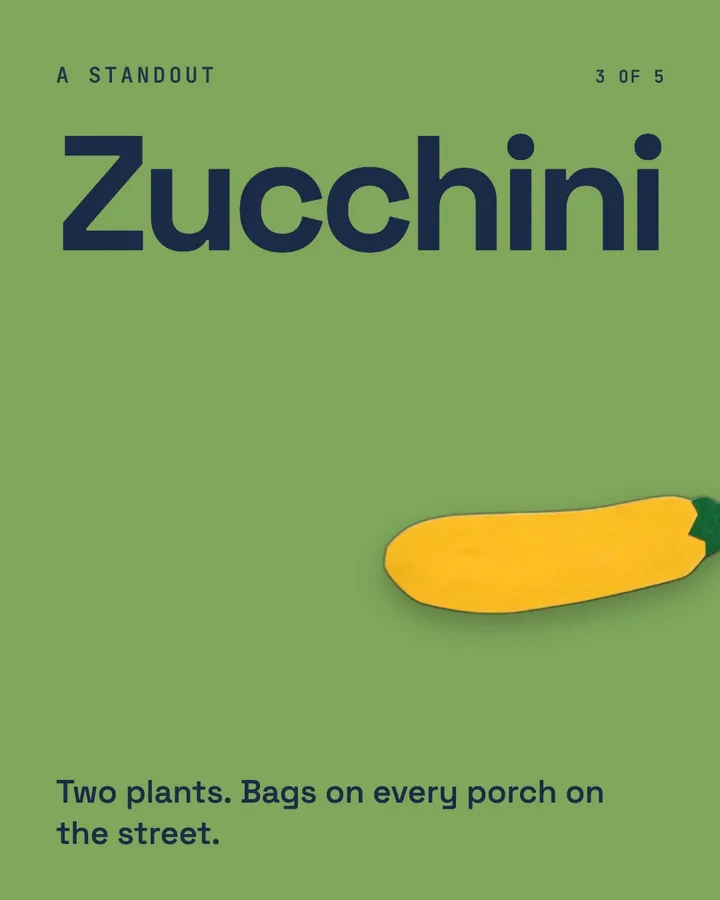
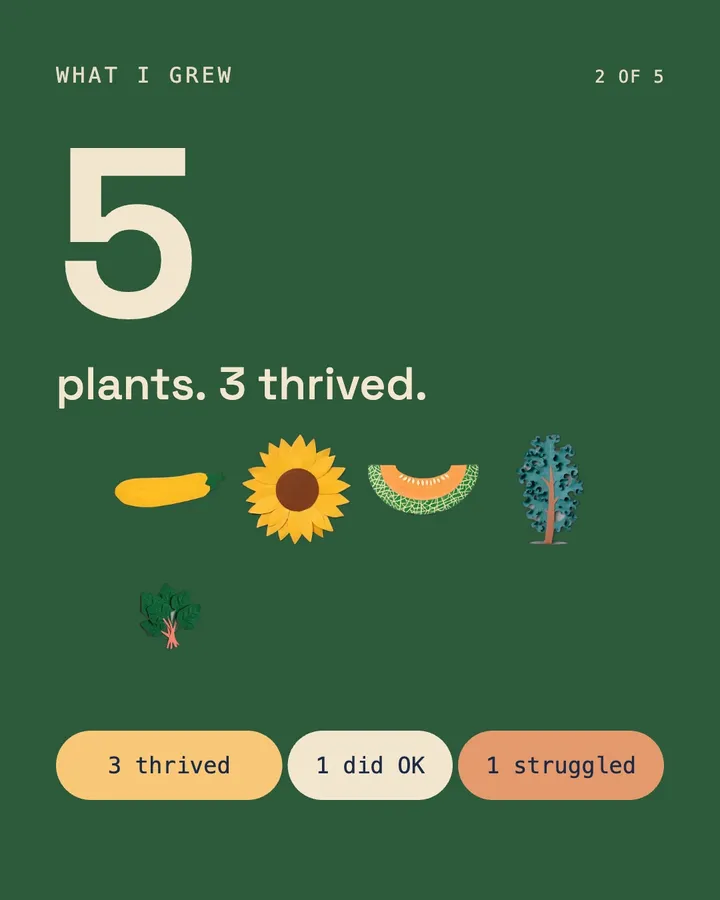
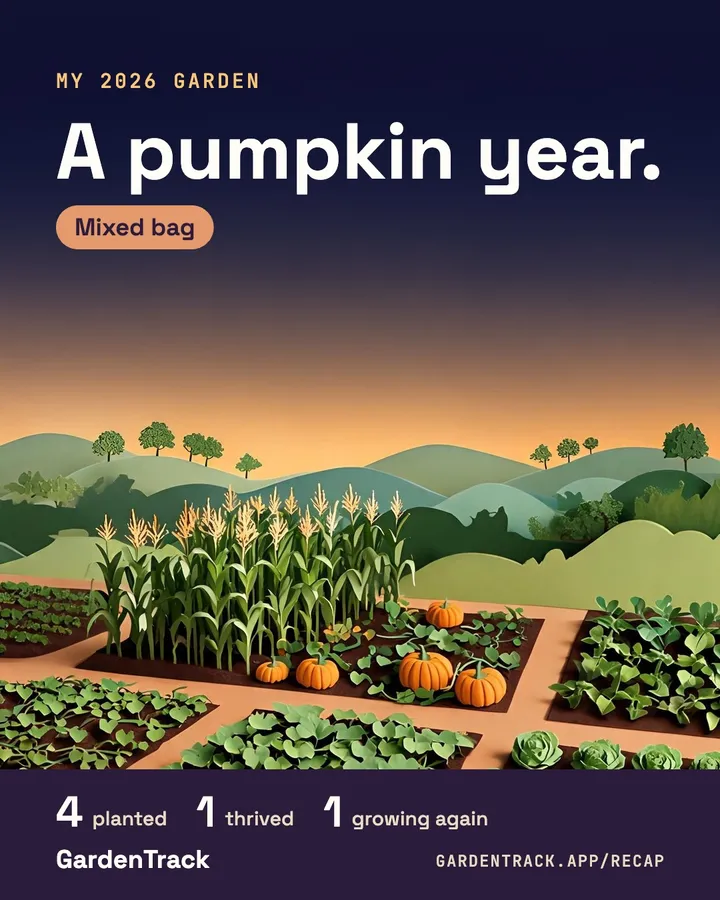
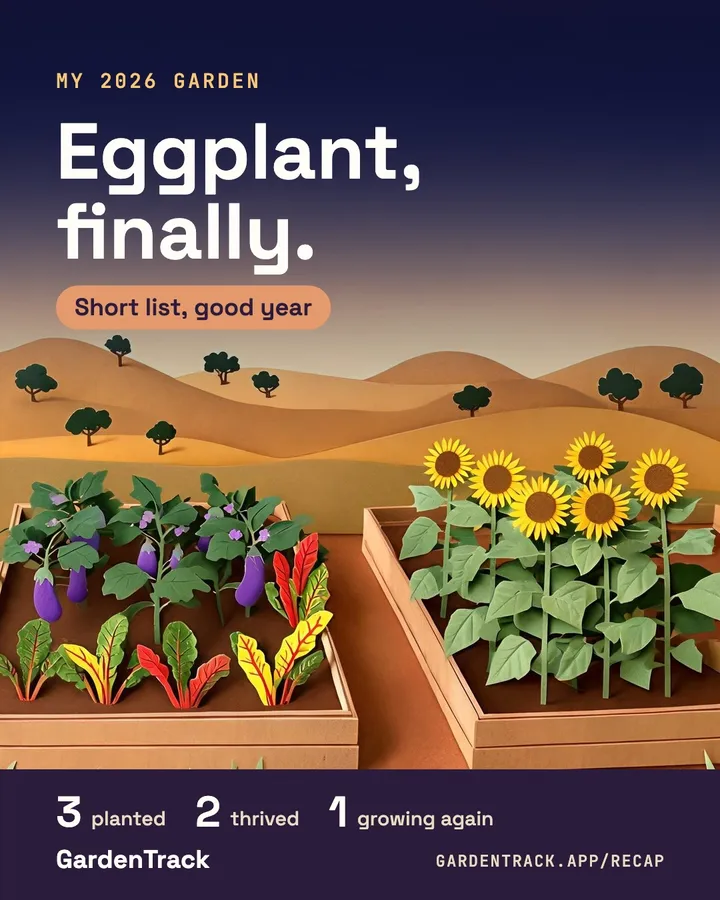
Cards to share
Swipe it, post it.
Example · a made-up season in Minnesota
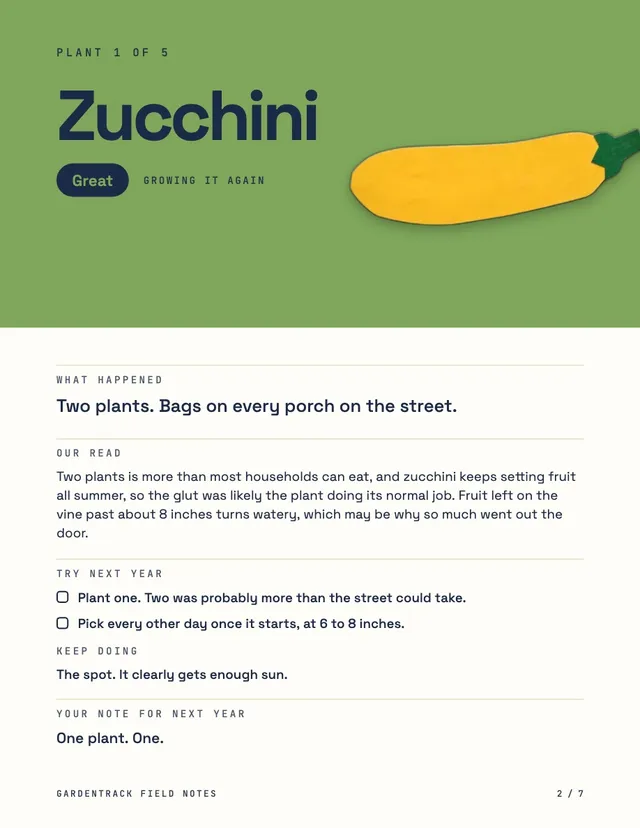
Field notes to keep
Every plant, what happened, our read on it, and what to try next year.
Example · a made-up season in Minnesota
How it works · an example
Say it. Check it. Post it.
-
You say how it went
The zucchini went nuts. Two plants, and I was leaving bags on every porch on the street. First time growing cantaloupe. Four melons, and they were actually sweet. Sunflowers hit ten feet by August. Kale kept going till the first hard frost. Spinach bolted the first hot week of June. Next year, one zucchini plant. One.
Talk or type. One plant, or all of them at once.
-
We sort it by plant
-
ZucchiniGreat
Two plants. Bags on every porch on the street.
Too many -
CantaloupeGreat
Four melons, and they were actually sweet.
First time growing it -
SpinachRough
Bolted the first hot week of June.
Hit by heat
and 2 more
Fix anything we got wrong before it's saved.
-
-
You get your cards
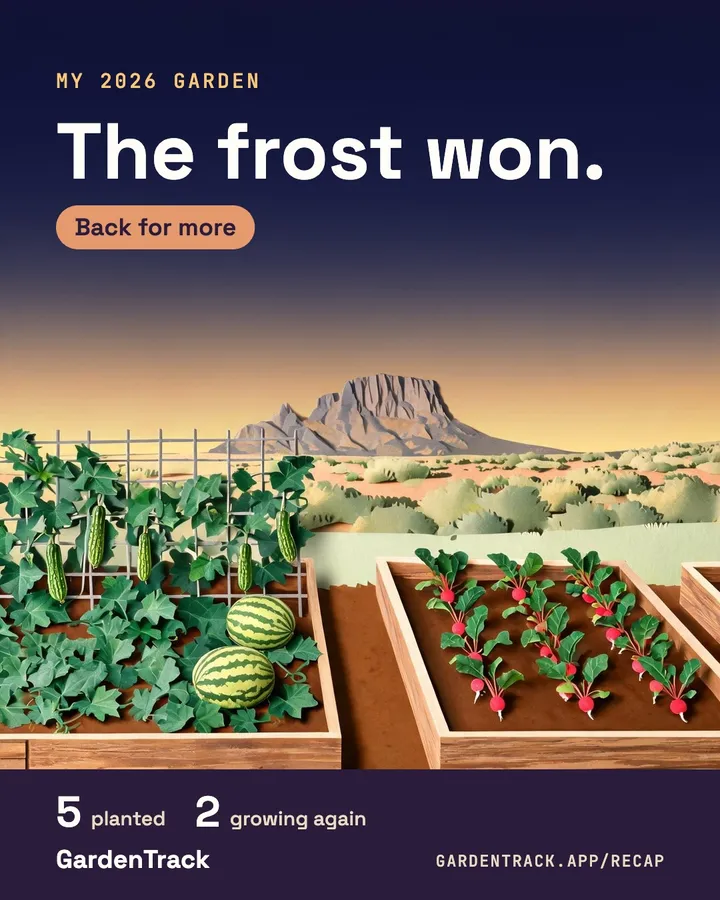
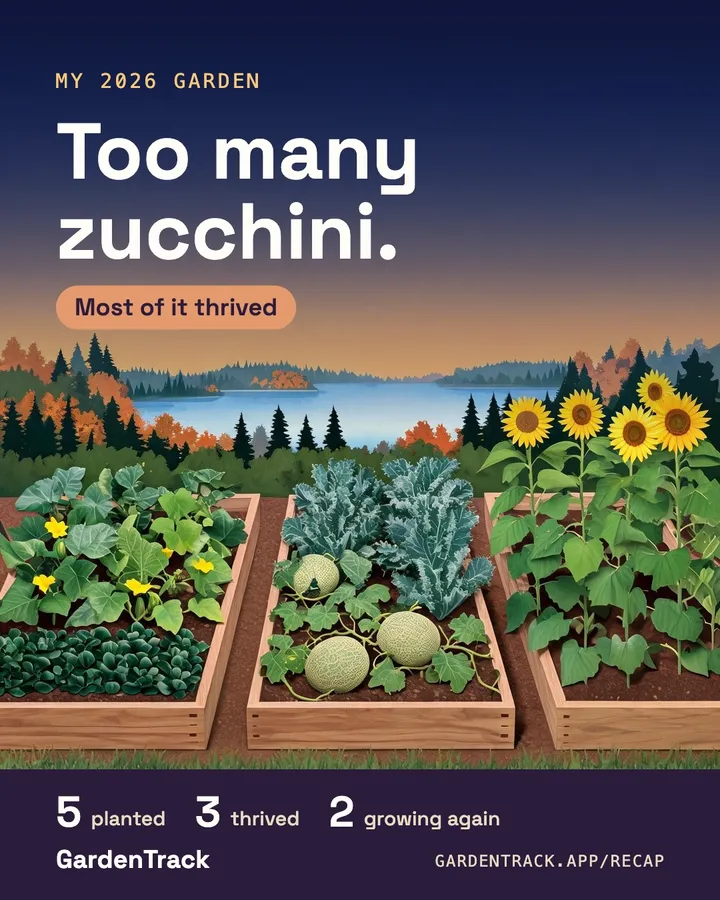
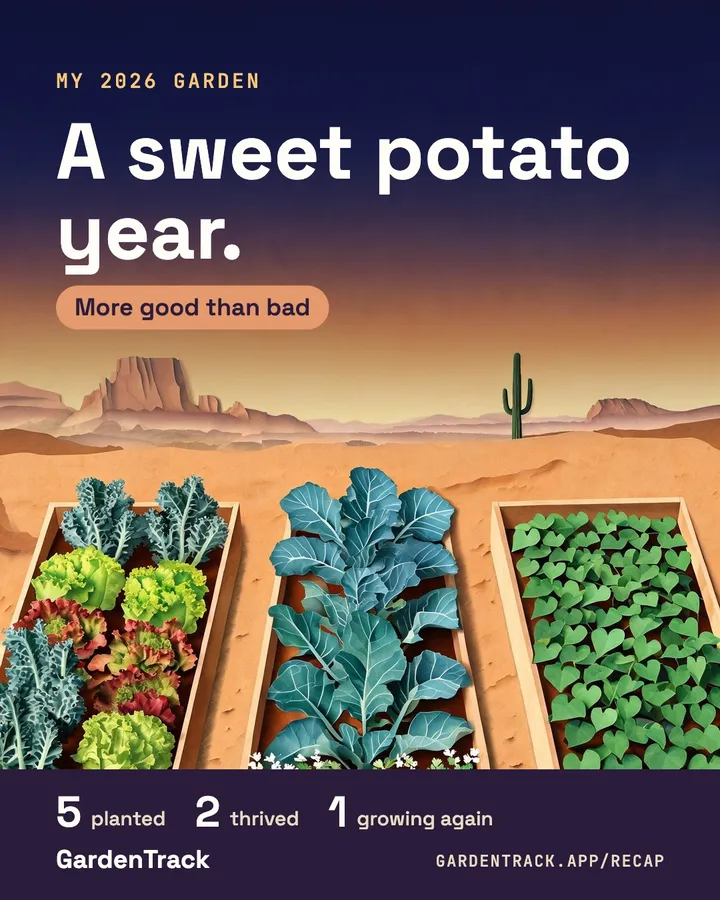
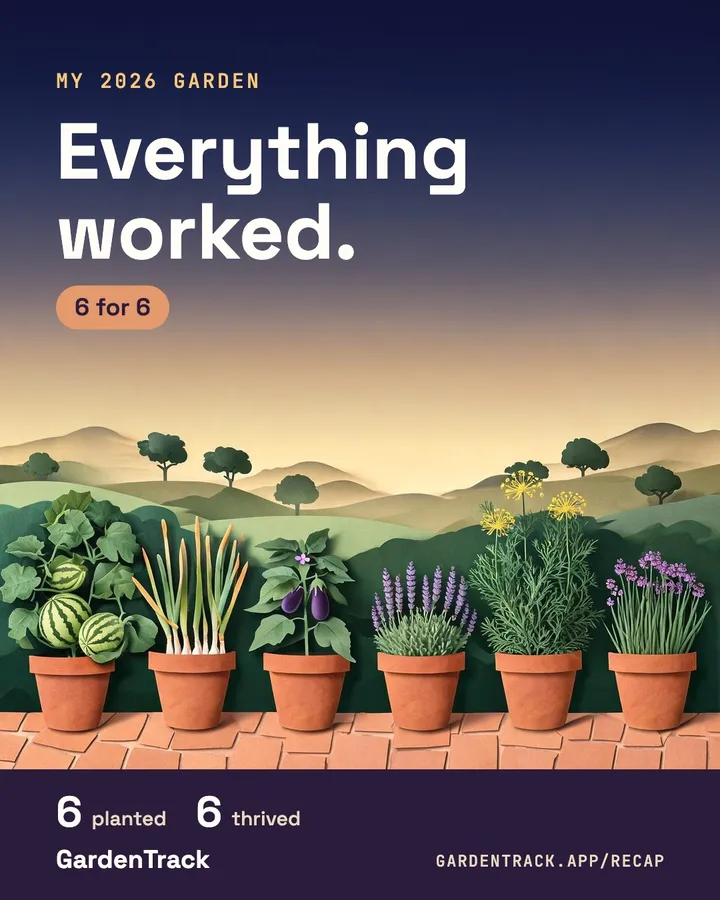
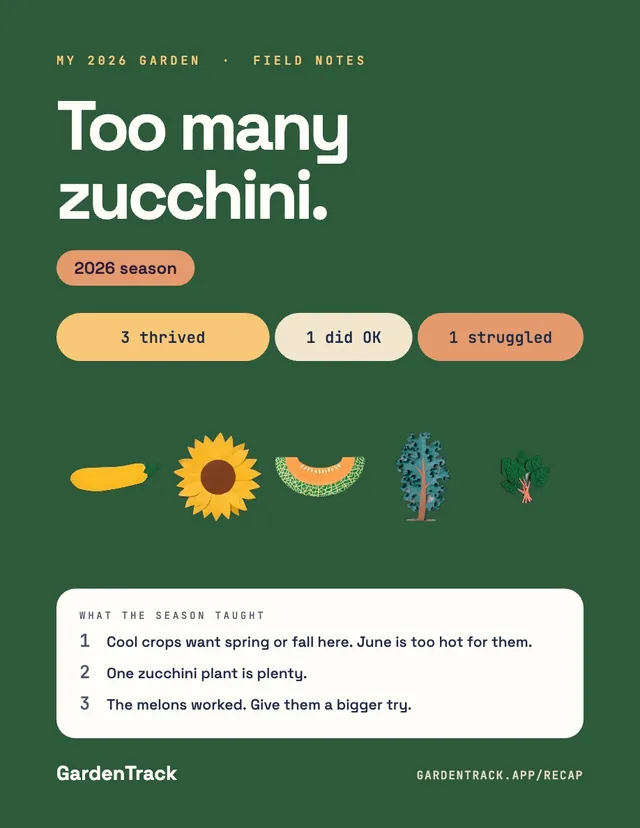
A painted cover, and a card for each part of your year.
For whatever kind of year it was.
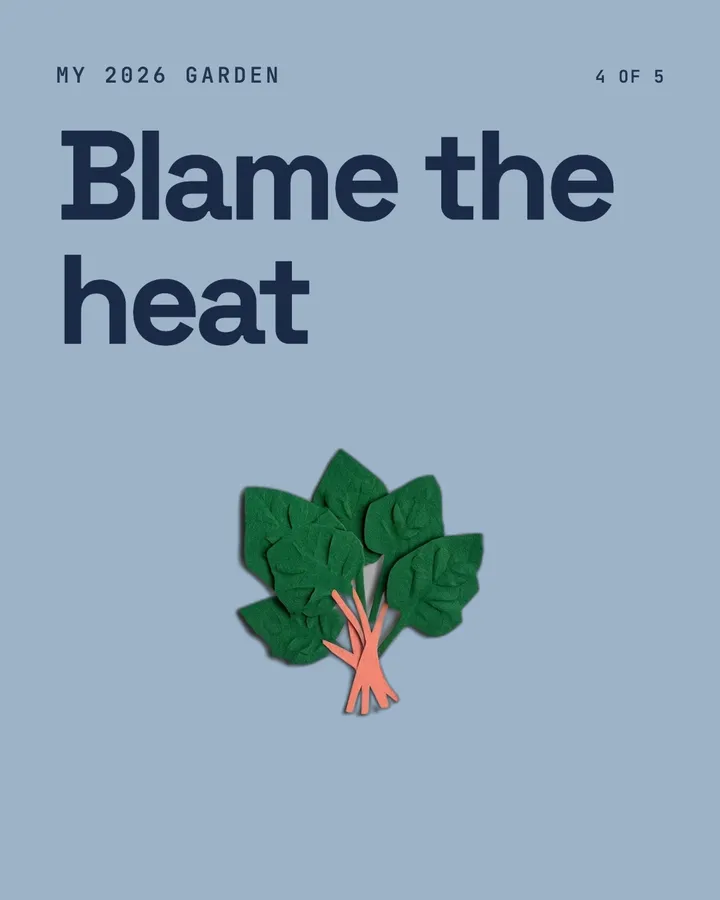
The headline follows your year, good or bad.


An example set
A card for each part of your year.
Your star plant. What the frost or the deer got. What you'd change.
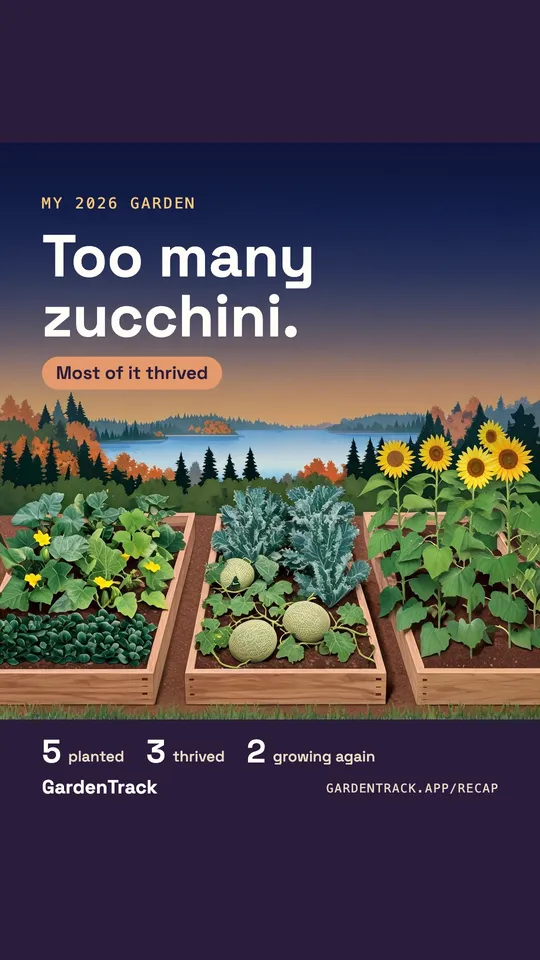
Sized for your feed and your story.
- Save all hands you every card, ready for a post you can swipe through.
- One for your story. The cover comes in the tall size too.
- Share sends your cards with a link to them. The link shows the same cards you post, nothing more: never your email, name or ZIP code.
Free. No sign-up to start. Saving your cards takes your email.
Questions
Is it free?
Yes. Telling it your season, seeing it sorted by plant and seeing your cards costs nothing and needs no account. Saving and sharing the cards takes your email.
What do you paint?
A garden with the kinds of plants you grew in it, in raised beds, in the ground or in pots, whichever you tell us. It's not a picture of your own beds.
What if you can't paint my plants?
We can paint the common vegetables and some herbs and flowers. A plant we can't paint still gets its place on your cards. If we can't paint your cover, it uses one of our paper landscapes instead.
How long does it take?
The painting usually takes about a minute, sometimes two. Everything else is ready as soon as you check your plants.
What happens to what I say?
We sort it by plant and don't keep what you said. We keep the sorted recap for 90 days so you can save it to a GardenTrack account. The privacy page has the rest.
Can I fix what it got wrong?
Yes. Before anything is saved you can change any plant's name, how it did, its notes and whether you're growing it again, add or remove plants, and take off anything that's wrong. If you don't like the wording it gives your cover, you can swap it for a plain one.
What do you email me?
Your cover, a short follow-up a few days later if your recap isn't in the app, then garden emails through spring, every two or three weeks and weekly for a short stretch in winter. A few are about GardenTrack's paid plans. Every one has an unsubscribe link.
What happens to your recap
GardenTrack sorts your words into notes for each plant. You can fix or remove anything before it's saved. Save it in the app and it stays with your garden; if you don't, we hold it for 90 days.
Your cover is a garden with the kinds of plants you grew in it, not a picture of your own beds. Privacy
Painting your garden
Planting your garden…
About a minute.
Your 2026 garden.
Tap ›
Your season, in your words
Your season, saved.
That was your year.
Keep them.
We'll email your painted cover and a link back to all of it.
We'll email your notes too, with a PDF.