The app
Other apps know your zone. GardenTrack knows your backyard.
The AI gardening assistant that knows your plants, your beds, your frost dates and your weather — and tells you what to do today.
Free to start. No credit card required.
January
Before spring, start with a plan.
Answer a few questions. It plans every bed and every date, then turns it into a picture you can share.
Pick what matters most to you, the most kinds of crops or the least work, and it lays out each bed to scale. It also tells you what to buy and when.
The full Garden Planner is in the beta now. Paid plans open Jan 5, 2027.
March
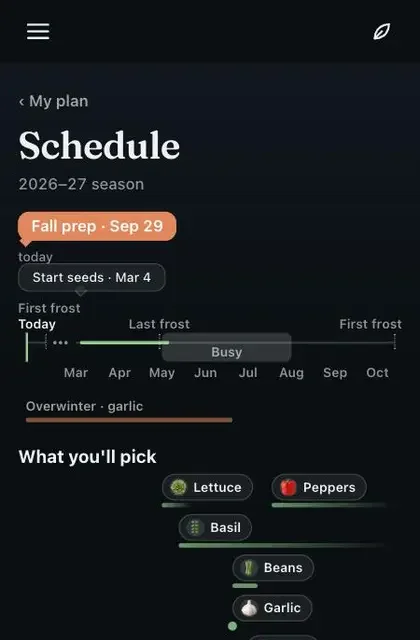
Start seeds on the right day.
Every date counts from the frost dates where you live, not your zone's.
Each week it lists what to start, counted back from your last frost. If a start date slips past, it asks whether you did it. When it's too late for seed, it tells you to buy plants instead.
 Lettuce
 Spinach
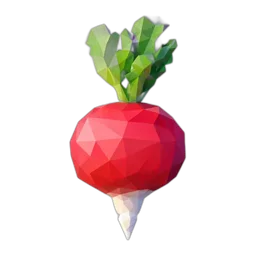 Radish
May
Harden them off, then plant them out.
Out a little longer each day, with a reminder to bring them in. Then say what went in the ground.
Hardening off takes ten days. Each day the card says how long they can stay out and when they come back in, and a whole tray moves together, so one tap covers every plant on it.
a · Hardening off
Hardening off · day 6 of 10
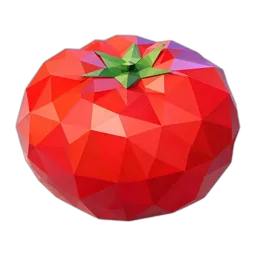 Put the Sungold out
6-7 hours, morning sun, then shade.
Out they goBack in by 4:30 PM Not todayStill outside
Bring it in.
Sungold is outside.
Bringing it in nowRecorded at 4:30 PMb · Then plant them out
Transplanted 2 Sungold and 2 bell peppers I started from seed into the salsa bed, and planted 3 basil I bought from the store.
Sungold ×2Salsa bed
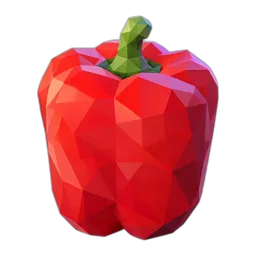 Bell pepper ×2Salsa bed
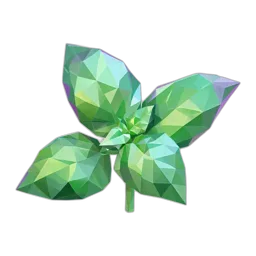 Basil ×3Salsa bed
June
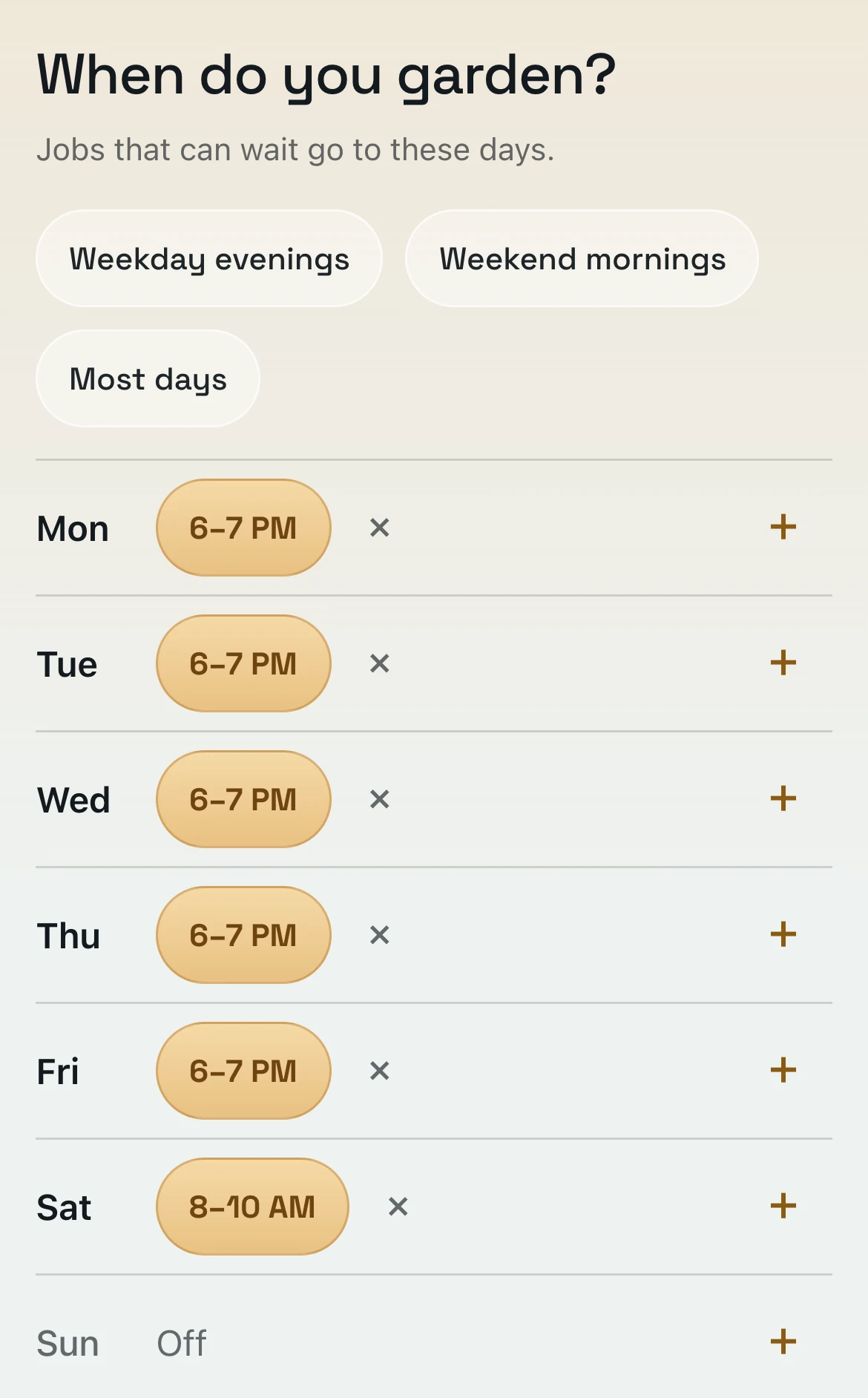
Tell it your hours once. It plans around them.
Jobs that can wait move to the days you garden, so Today only fills the time you have.
On a busy day, jobs are grouped by bed and Today says about how long it will take. Can't get to one? Tap Not today and it comes back tomorrow. Garden mode shows one job at a time, in big type you can read outside in the sun.
Today 8 jobs
Salsa bed
Salad bed
July
It counts the rain, so you only water what's still dry.
A hot week after a good rain? The beds are covered. The pot on the patio isn't.
Rain counts as a watering, and your soil, pot size and sun change how fast each spot dries out. If something needs water, you get one alert at 7 AM, and only on those days. When a hot spell is coming, it warns you which of your crops the heat will hit.
HeatHot days. 6 plants.
Want water 1 dry
Any day
Ask Rafe. He already knows your garden.
ChatGPT's great — but it doesn't remember your garden. Rafe knows every bed and every plant, so the answer starts with the place, not a paragraph.
Ask a worried question and you get a straight answer first, then what’s likely, what to check and what to do. Tell Rafe what you did and it’s logged, with Undo if he got it wrong, and the job comes off Today.
-
Where did I put the jalapeños?
RafeThe jalapeños are in the Salsa bed, a raised bed in the Backyard.
Explain moreTeach me about Jalapeño -
Watered the salsa bed this morning.
RafeWatered Salsa bed · 6 OctUndo -
The bottom leaves on my Sungolds are turning yellow. Should I be worried?
RafeProbably fine. Tomatoes naturally shed their oldest leaves as they grow, especially this late in the season.
- Likely
- old leaves dying back
- Check
- whether the yellowing moves up the plant or stays on the lowest leaves.
- Do
- Pick off the yellow leaves once they are mostly dead to improve airflow.
Explain moreTeach me about Sungold -
What should I do today?
Rafe- 1The orchard
- 1Backyard
- 1Front porch
- 1Salad bed
Nothing urgent today.
Net the peachesThe orchardWater · 2 spaces6 plantsAny spinach sprouts?Salad bedAll 3 jobs ›
August
Catch problems while they're small.
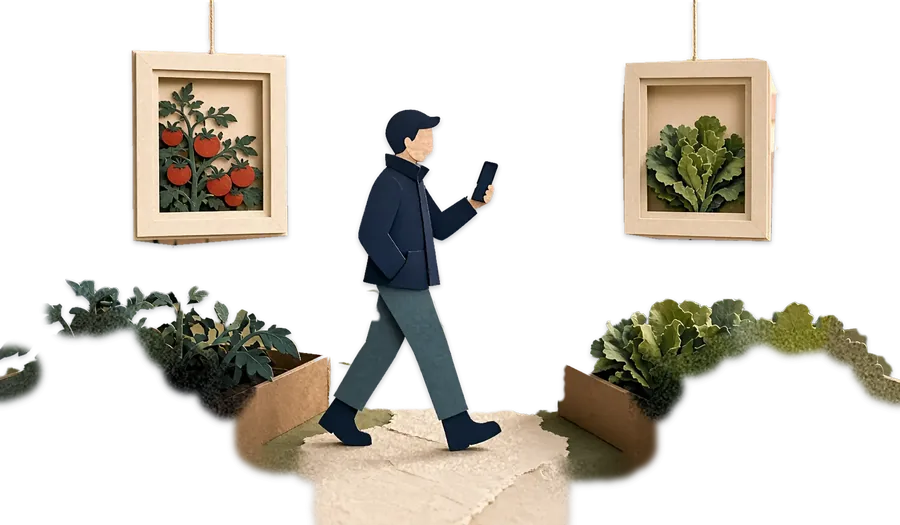
A weekly garden walk: phone in hand, plant by plant. Every photo is filed at the stop you chose.
A week after your last walk, it nudges you to take another. Walk every stop in your own order, or just the ones that need a look. Photos save at each stop, even with no signal, and back up once you're in range.
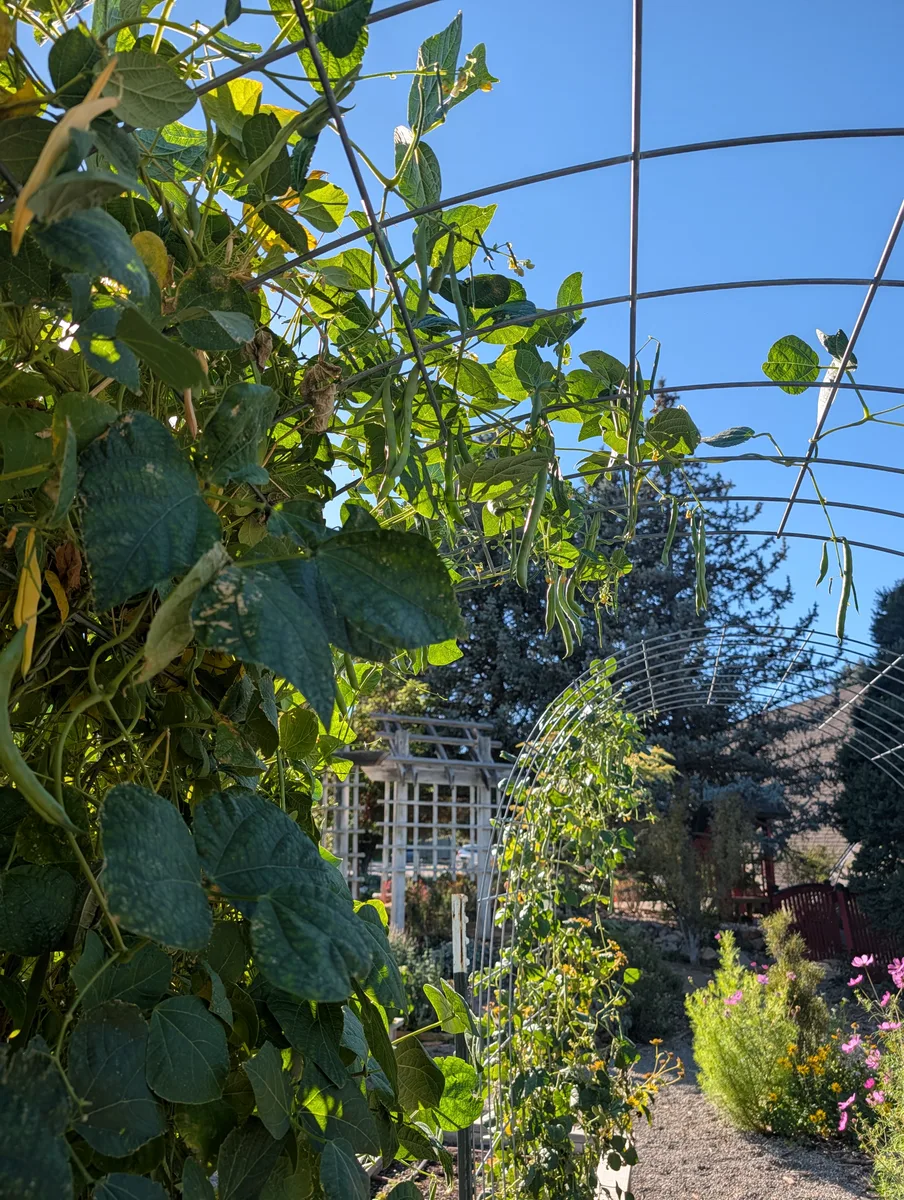
Pole beans
The walk's report
It flags what looks off, and how sure it is.
It looks at your walk's photos and tells you what looks off, how sure it is, and how to check. One tap adds it to Today.
Each finding sits next to the photo and the stop it came from. The report also shows what changed in your garden since last week's walk.
What needs you
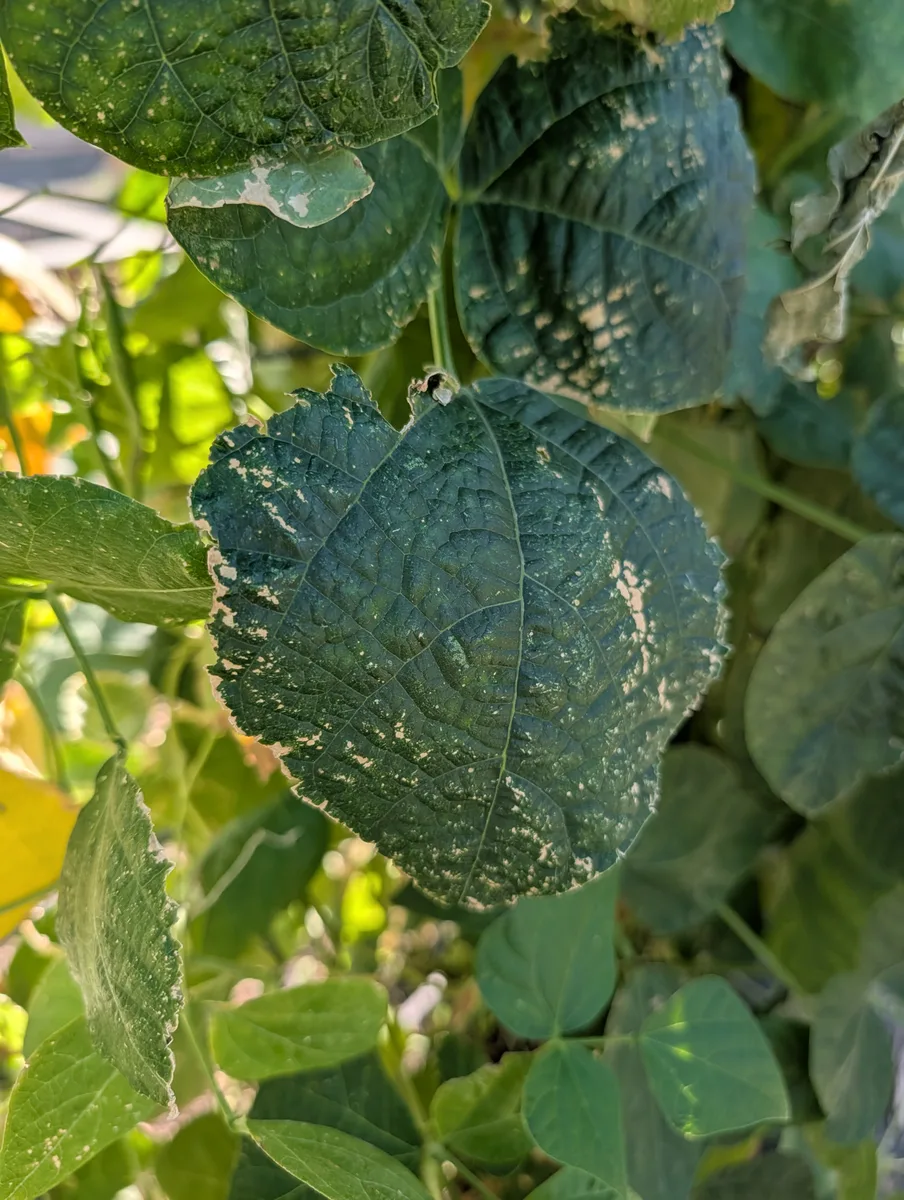
Likely
To settle it: Flip one of the pale leaves over and look at the underside — a fine white fuzzy coating there confirms mildew; tiny moving specks or fine webbing instead would point to mites.
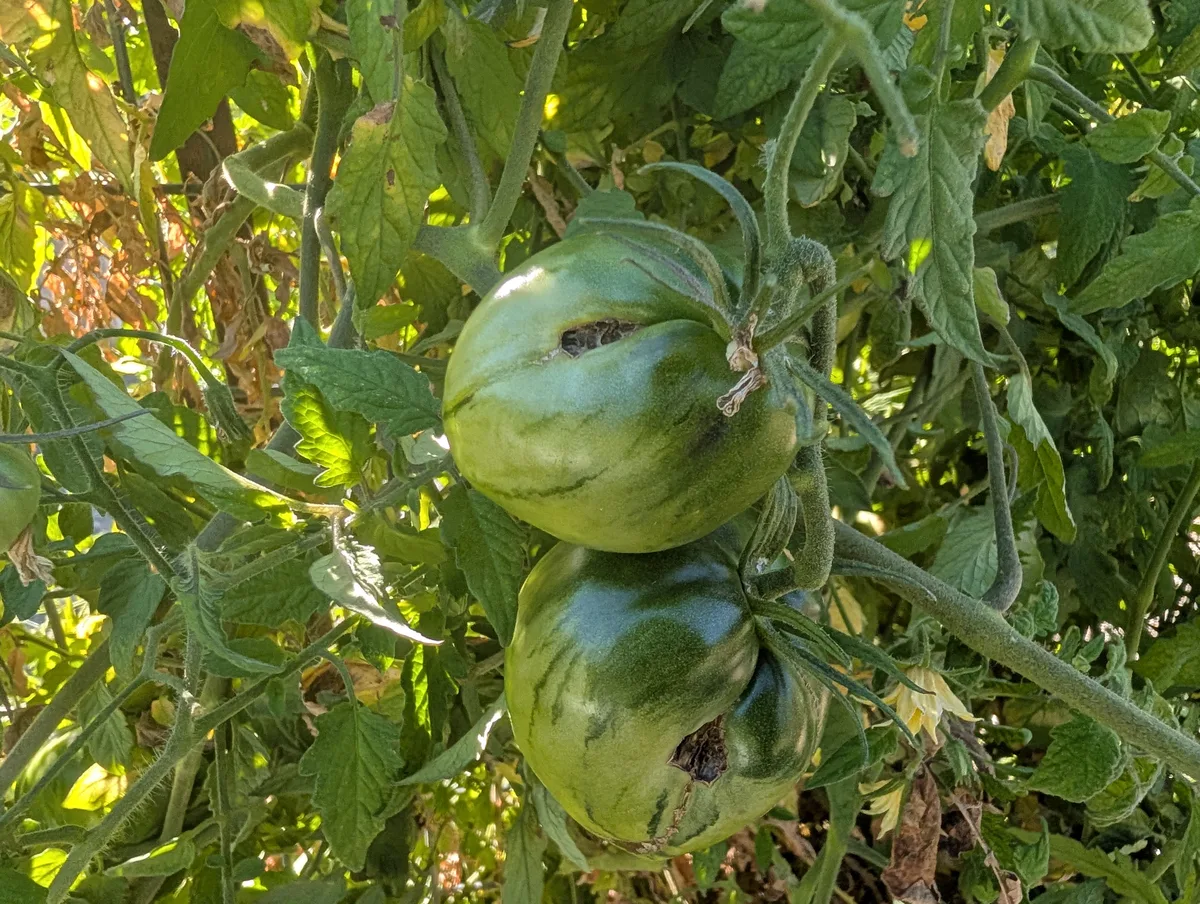
Likely
To settle it: Pick one of the damaged fruit and cut it open at the dark spot — a tunnel or caterpillar inside points to fruitworm; just surface decay with no tunnel points to contact rot.
What we could not tell
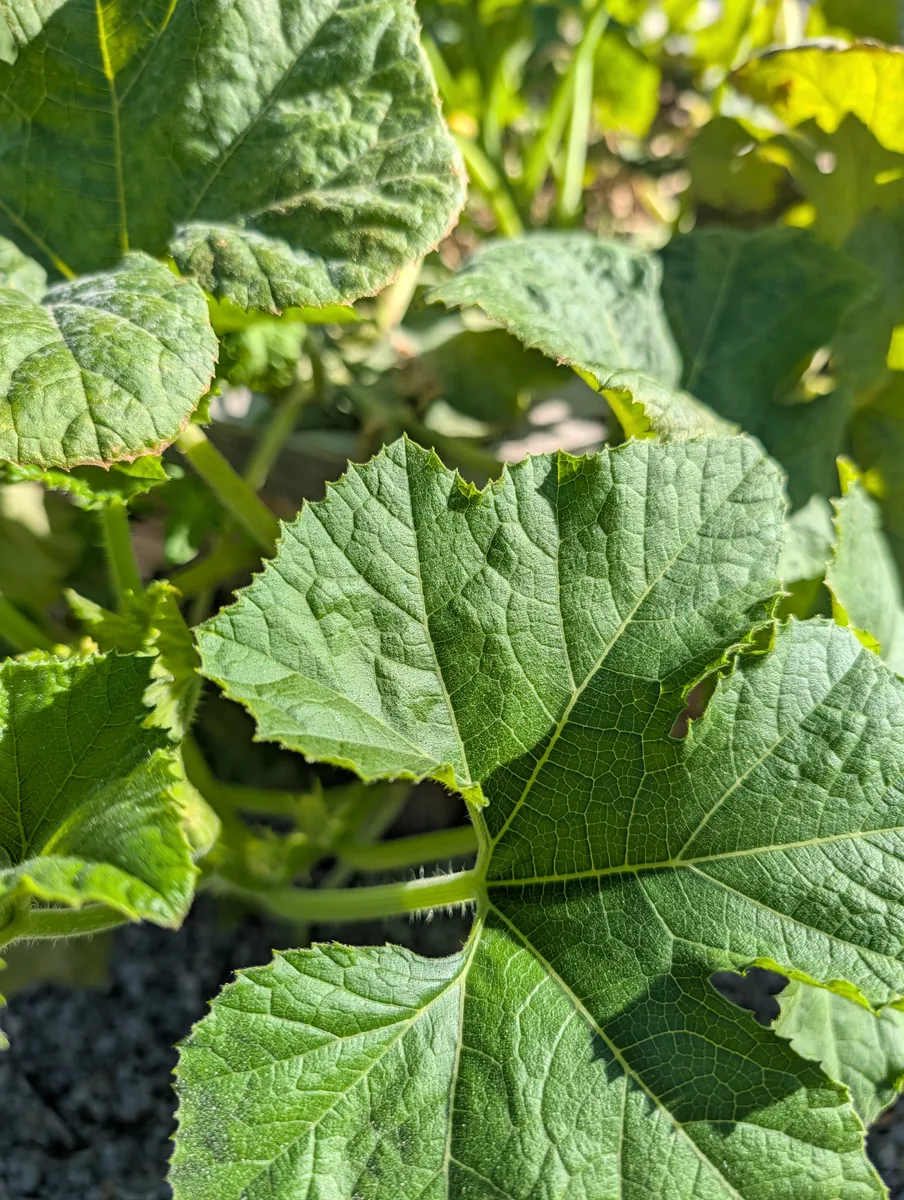
Rub a finger across the pale patches — if it’s powdery mildew, white powder will come off on your finger; if it’s natural mottling, the leaf surface will feel normal and the pattern won’t wipe away.
September
Pick it when it's ready.
Each plant's ready window, counted from the day you planted it. Log the pick in one tap.
Weigh it by the pound or just count it. It adds up the harvest for each plant across the season, so you can see what was worth the space.
SungoldHow much did you pick?
2 lbSungold
3 harvests — 5 lb
October
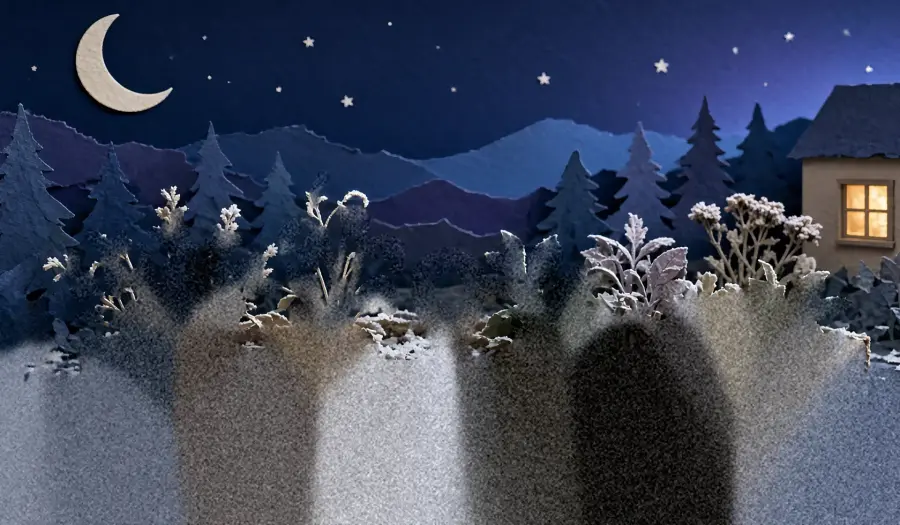
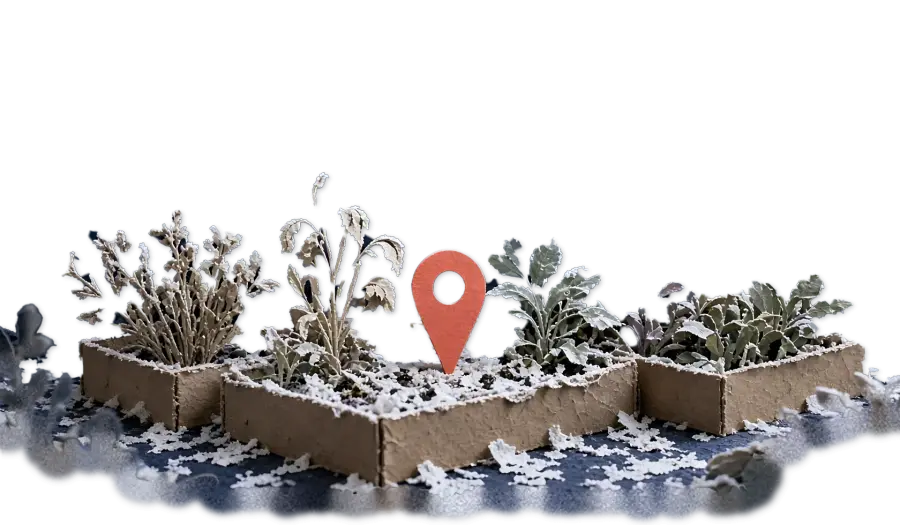
Know before frost reaches your plants.
When frost is in your local forecast, you get a heads-up naming your plants.
Crops that shrug off a light frost are left off the list, so you only cover what needs it. Something in a pot, like a potted citrus, gets a reminder to come inside. The alert comes to your phone, and the frost dates come from your address, not your zone.


November
Remember every plant, and how it did.
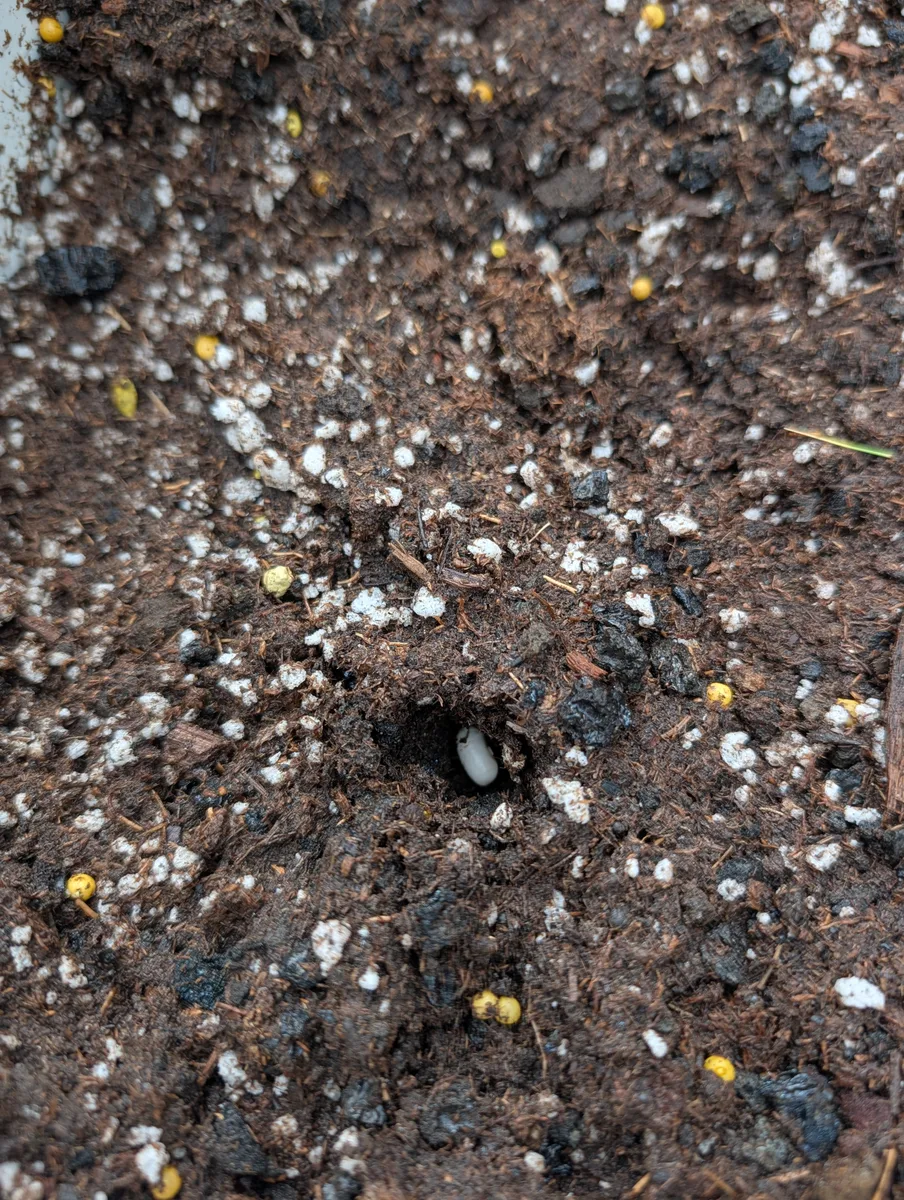
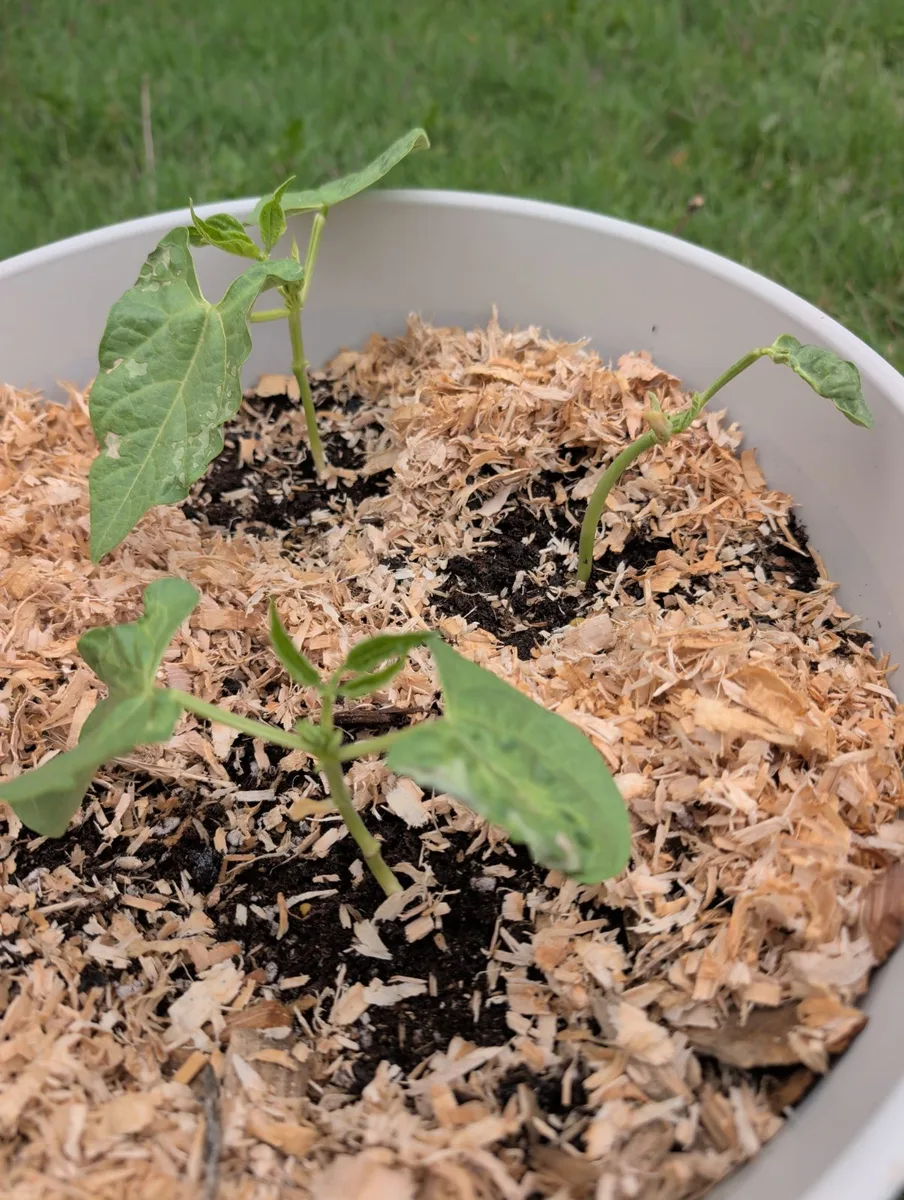
Every photo and note you file lands on its plant and in your journal. When a plant's done, say so. It drops off Today and keeps its story.
Each plant keeps its photos in order, and the journal shows what you were doing this same week last year. Perennials like rhubarb rest through winter instead of disappearing.
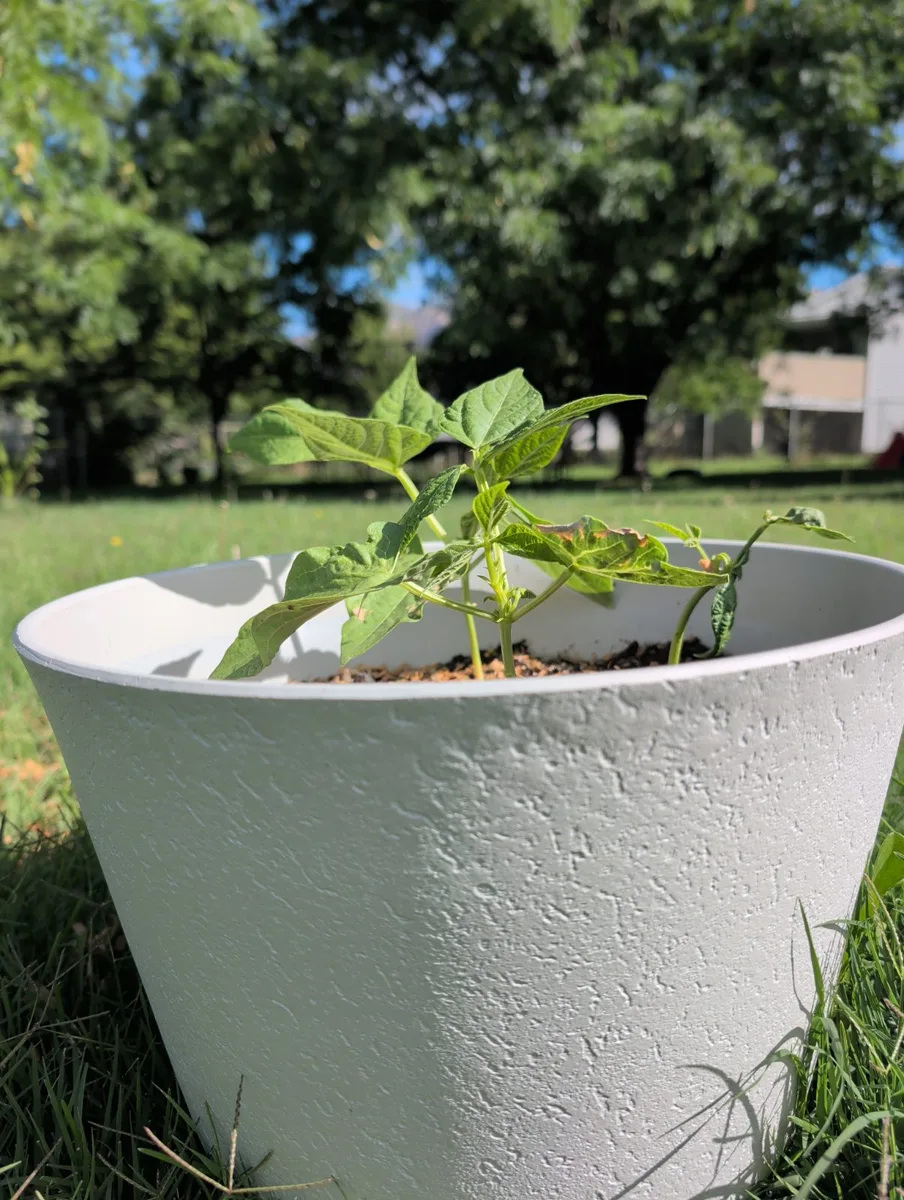
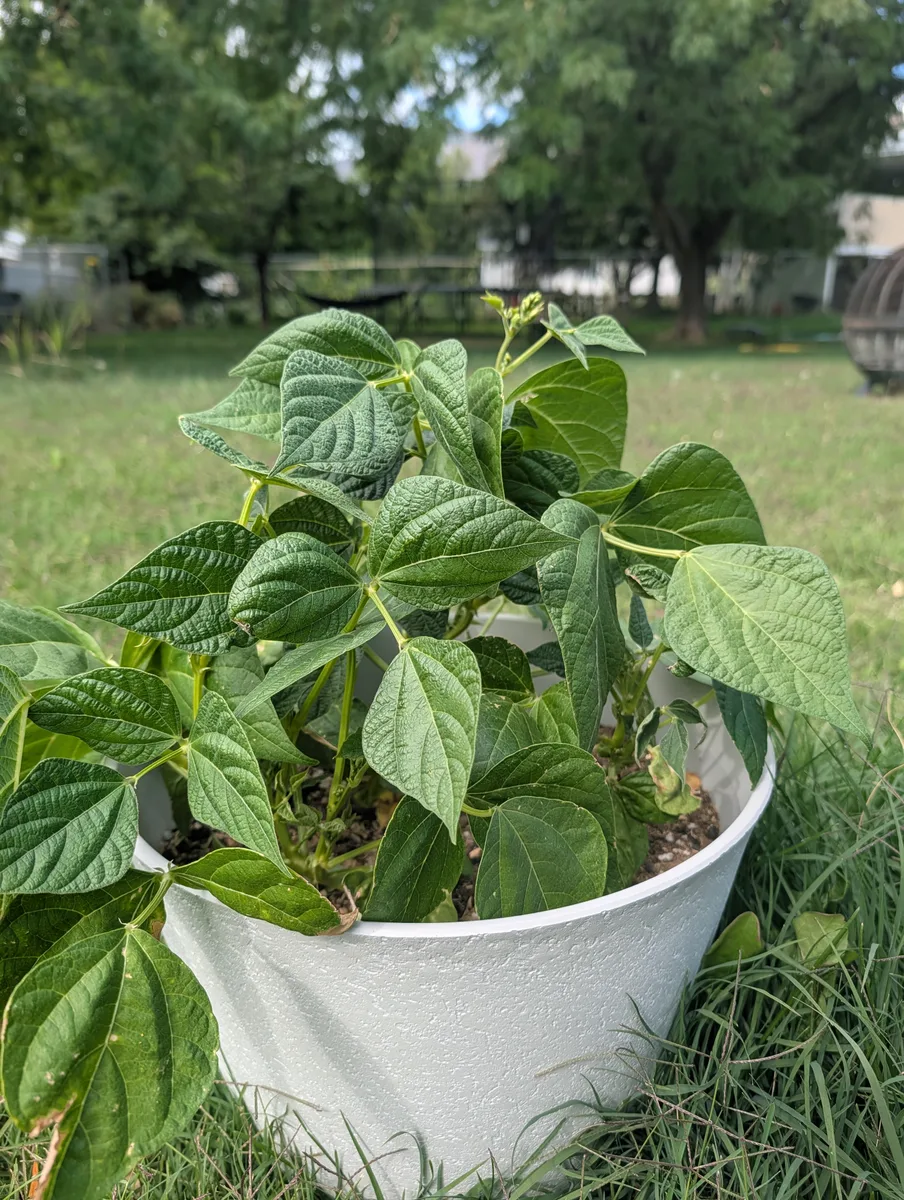
How it ended
When it is over, say so — it drops off Today and keeps its story.
A perennial
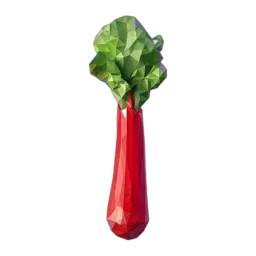 Rhubarb
Resting through the cold.
January, again
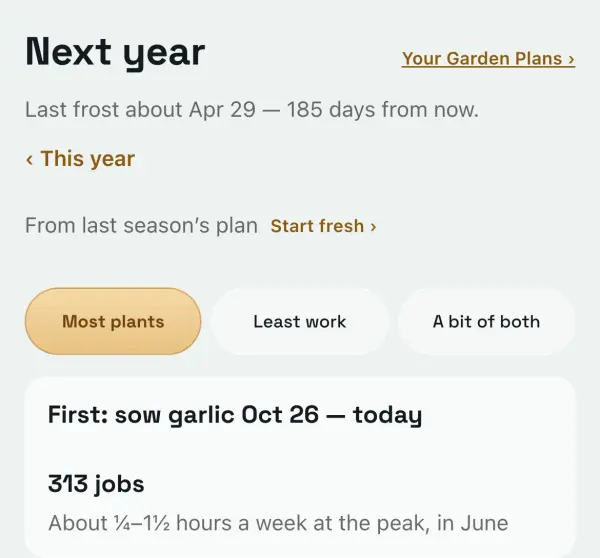
Next year, it plans with you.
The beds, the crops, and where each one should go next.
It rotates crops between beds of the same kind, and you decide what to grow again. There's room to add new beds, too.
Next year, it starts from this year's garden. More planning tools are on the roadmap.
Everything in the app.
- garden planner Plan the season before it starts.
- planting calendar Your dates, crop by crop.
- frost dates Frost dates for your address. Warnings that name your plants.
- garden jobs Today’s jobs, bed by bed.
- your garden, bed by bed Every plant where it lives.
- gardening questions Ask Rafe, or tell him what you did.
- garden photos A weekly walk, every photo filed where you took it.
- garden journal Every season, kept.
- watering It counts the rain.
- seed starting Start and harden off on the right days.
- Logs and photos work with no signal
- The same garden on every phone
- On your home screen