


Photos and garden walks
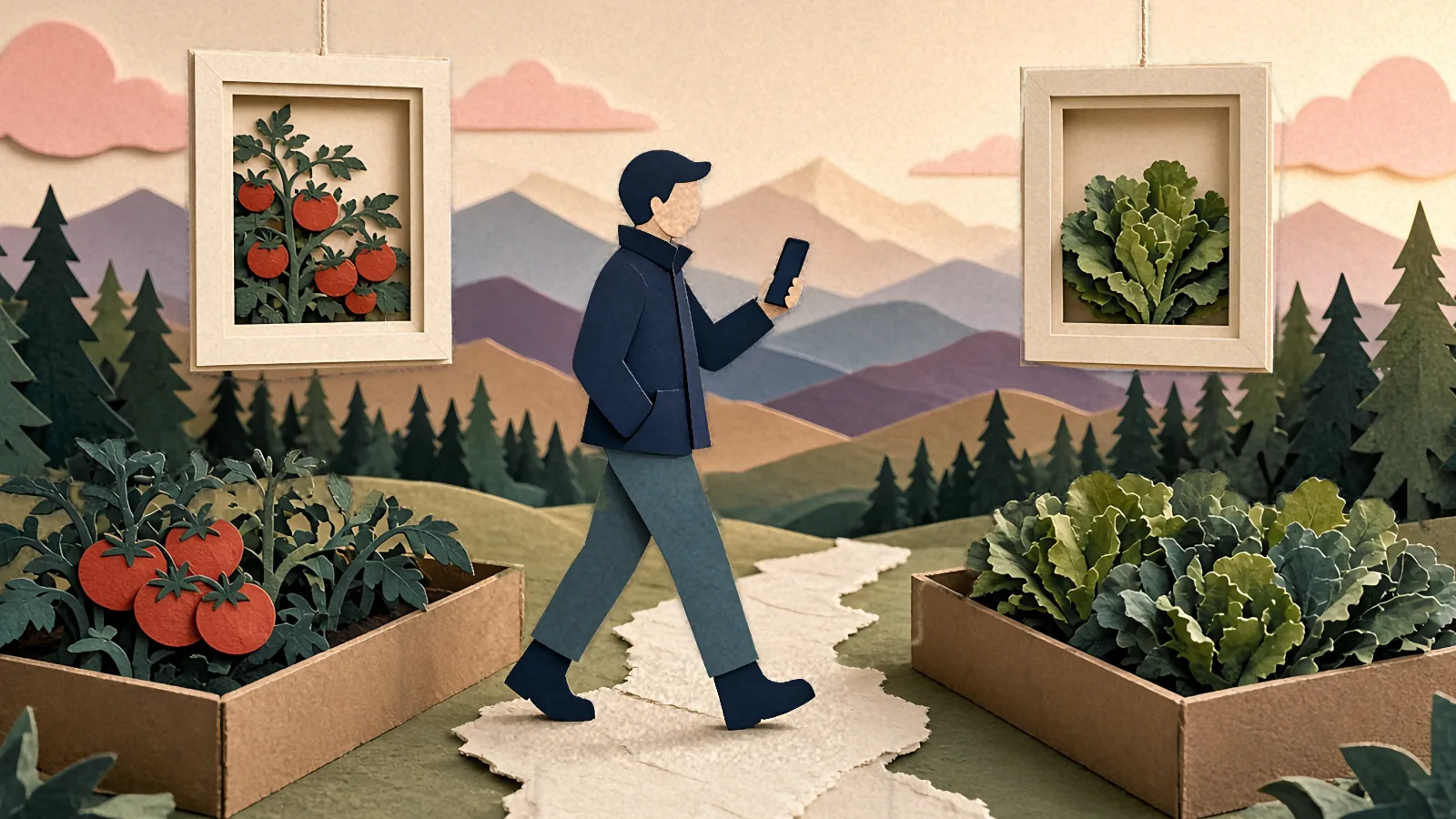
Walk your garden with your phone, and GardenTrack tells you what it sees.
Snap each spot as you go, and GardenTrack keeps the photos with the bed or plant you took them at, then writes you a short report on anything that needs a look.
Free to start. No credit card required.
Saturday · 8:00 AM
Once a week, GardenTrack walks you around your garden, one stop at a time.
A week after your last walk, a line in the app tells you it’s due, and you pick the spots you’ll look at, in the order you’ll walk them.
At each stop you take a photo, or a few from different angles, and if there’s one from last time it’s right there on the screen so you can line up the same view. A walk of three stops takes about three minutes, so it’s no big job. If the signal drops out by the back fence, the photos save on your phone and back up once you’re in range again.

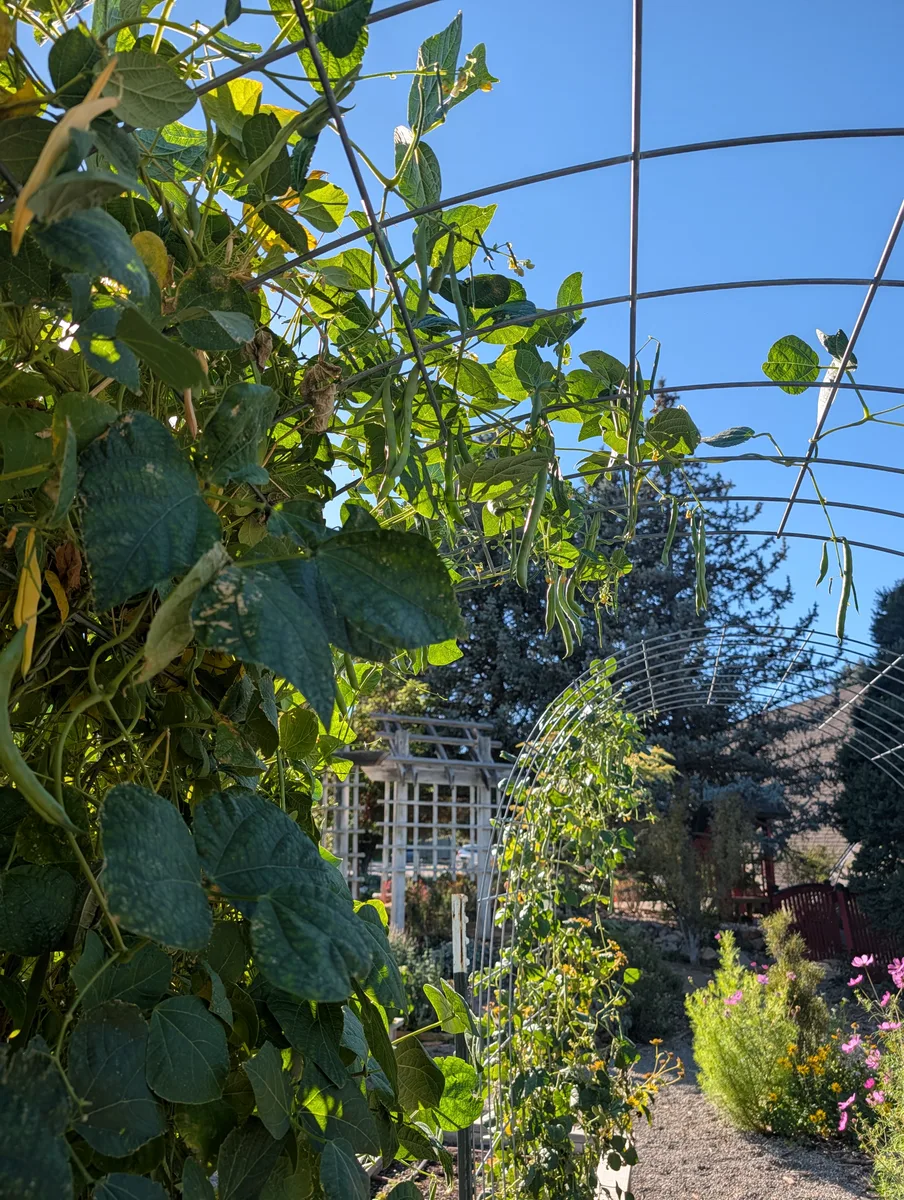
Bean arch
Saturday · 8:10 AM
Then GardenTrack goes through the photos and tells you what to deal with.
Once you’re done, GardenTrack reads the photos from each stop and writes you a report that puts each problem beside its photo and says how sure it is and how you’d check.
This one flagged a likely disease on the bean leaves and likely pest damage on the tomatoes, and it said plainly that it couldn’t tell from the squash photo, with a quick way to find out. From your second walk on, it puts each spot’s photo next to the one from your last walk, and when a spot has got better, or hit a first like its first ripe fruit, a part called What moved on says so. One tap on Add to today puts a check on your list.
What needs you

Likely
To settle it: Flip one of the pale leaves over and look at the underside — a fine white fuzzy coating there confirms mildew; tiny moving specks or fine webbing instead would point to mites.
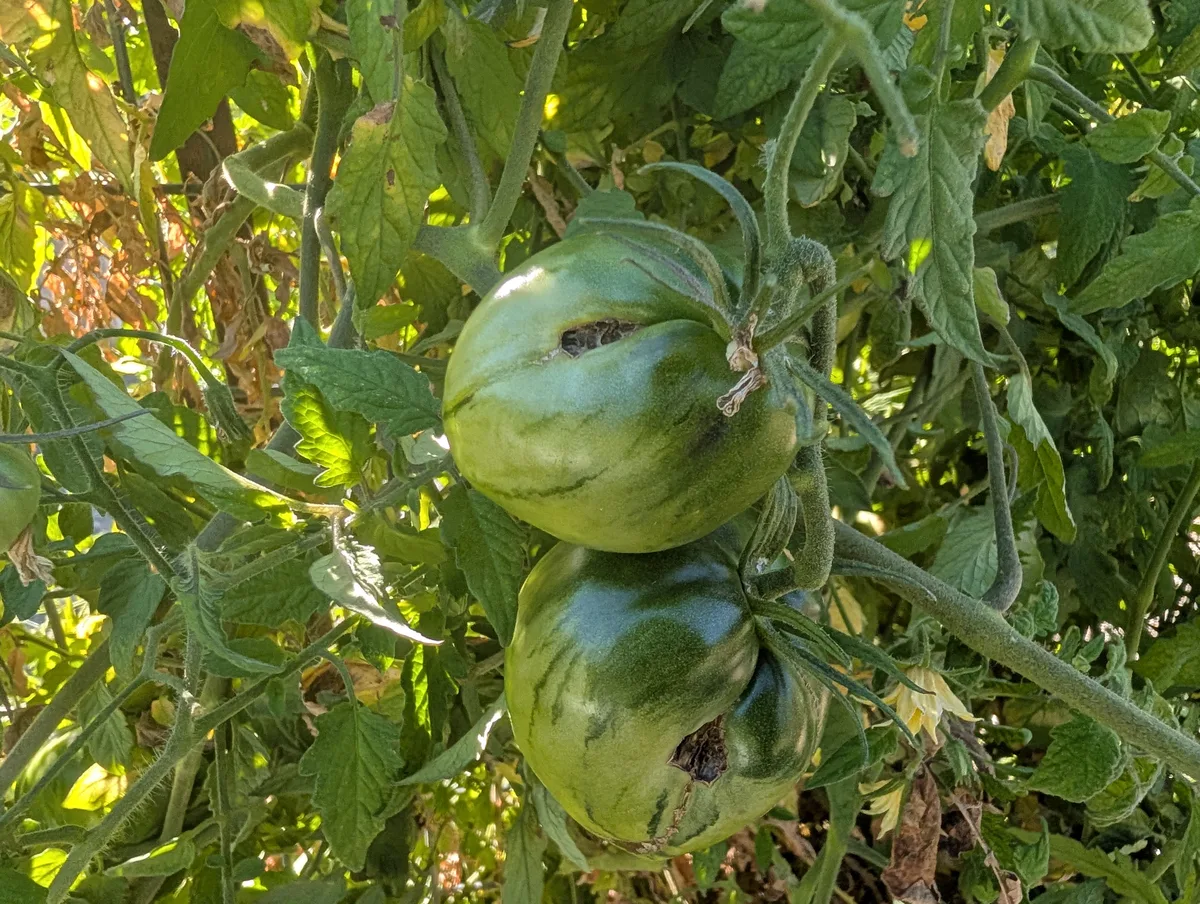
Likely
To settle it: Pick one of the damaged fruit and cut it open at the dark spot — a tunnel or caterpillar inside points to fruitworm; just surface decay with no tunnel points to contact rot.
What we could not tell
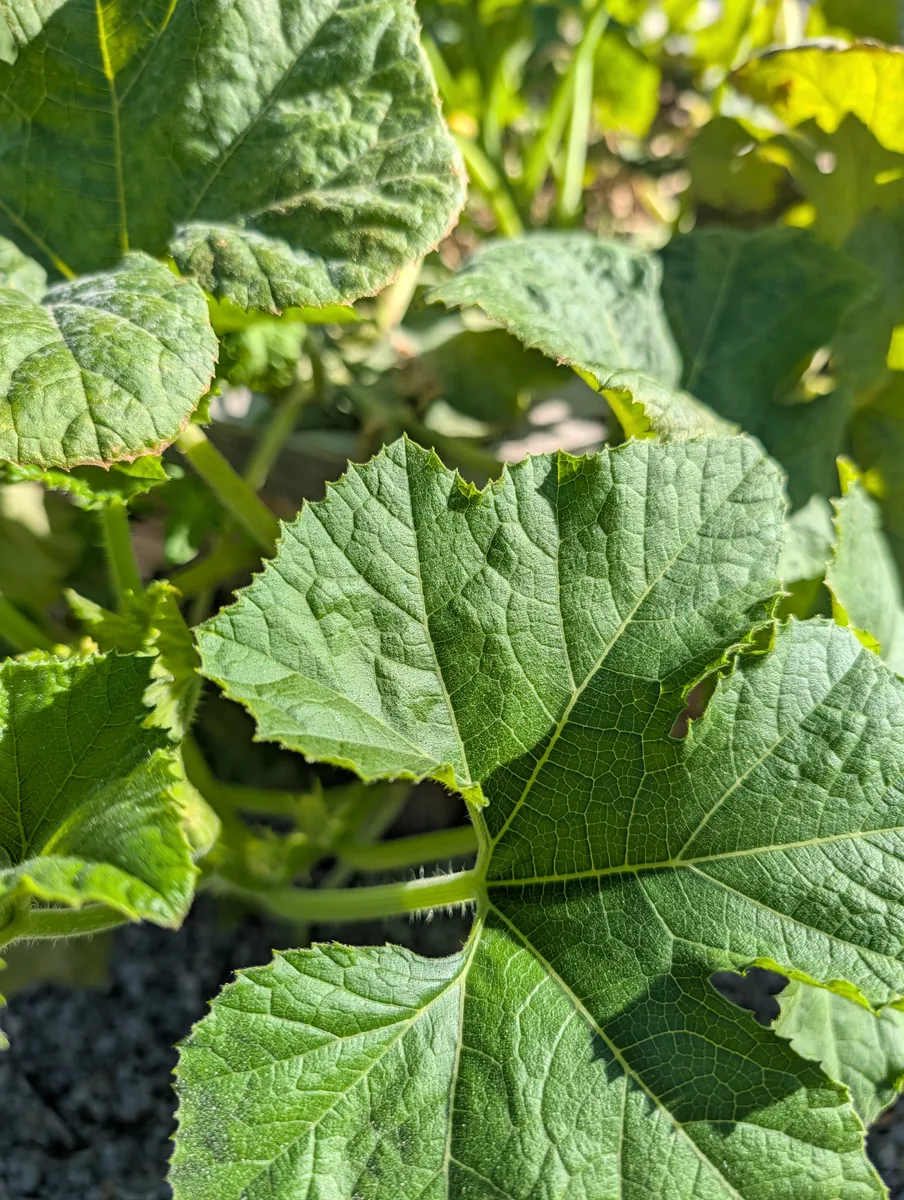
Rub a finger across the pale patches — if it’s powdery mildew, white powder will come off on your finger; if it’s natural mottling, the leaf surface will feel normal and the pattern won’t wipe away.
Since May
Take a photo of a plant, and GardenTrack puts it on that plant’s page with the date.
Tap Take a photo on the plant’s own page, or pick one you already took, and it goes in the plant’s journal on the day it was taken.
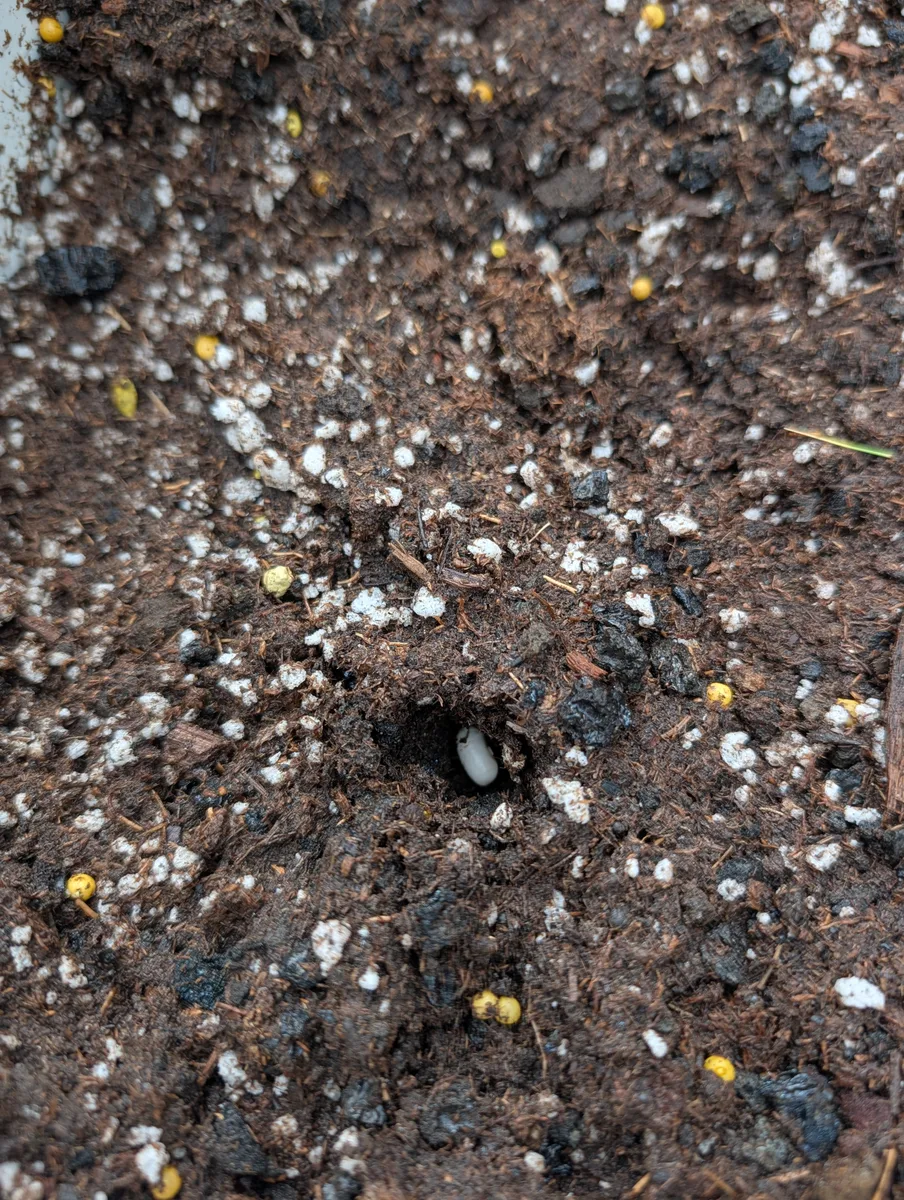
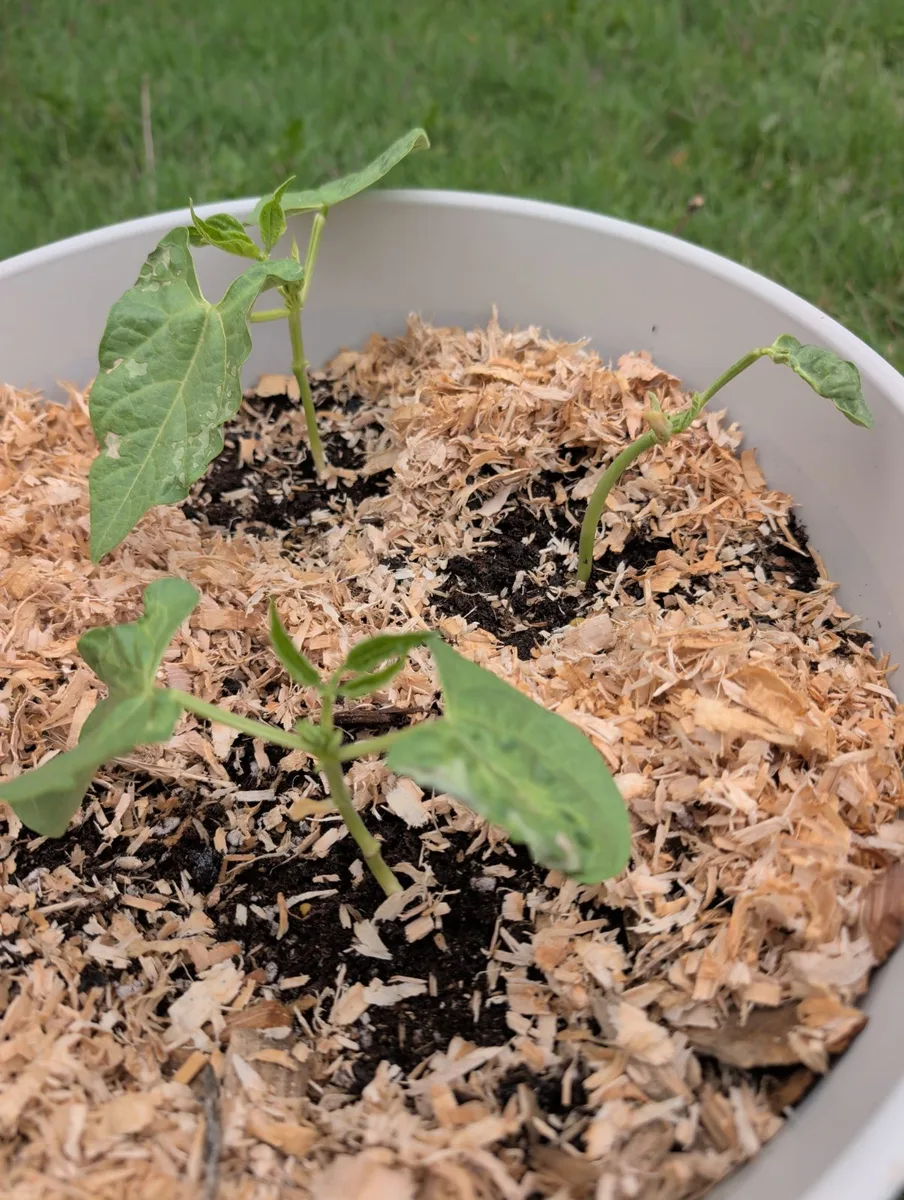
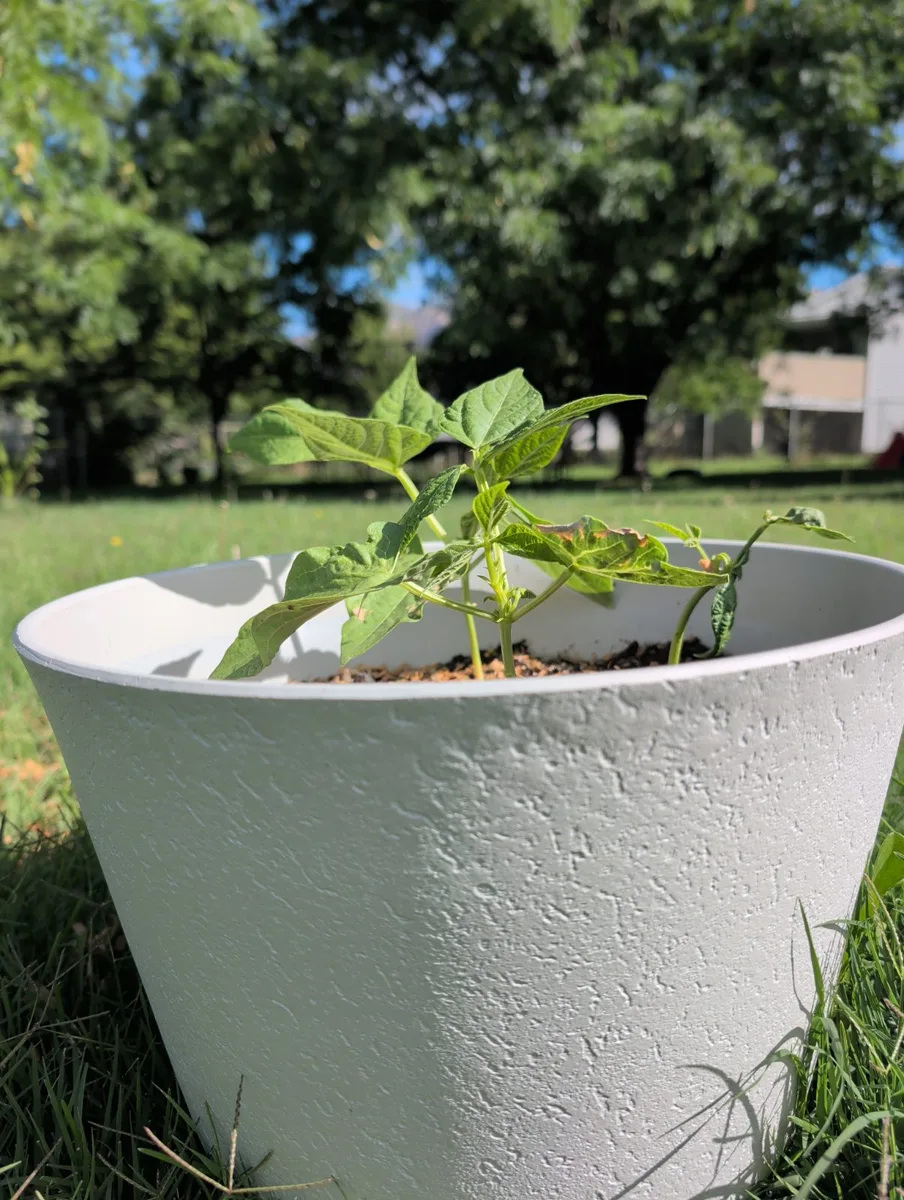
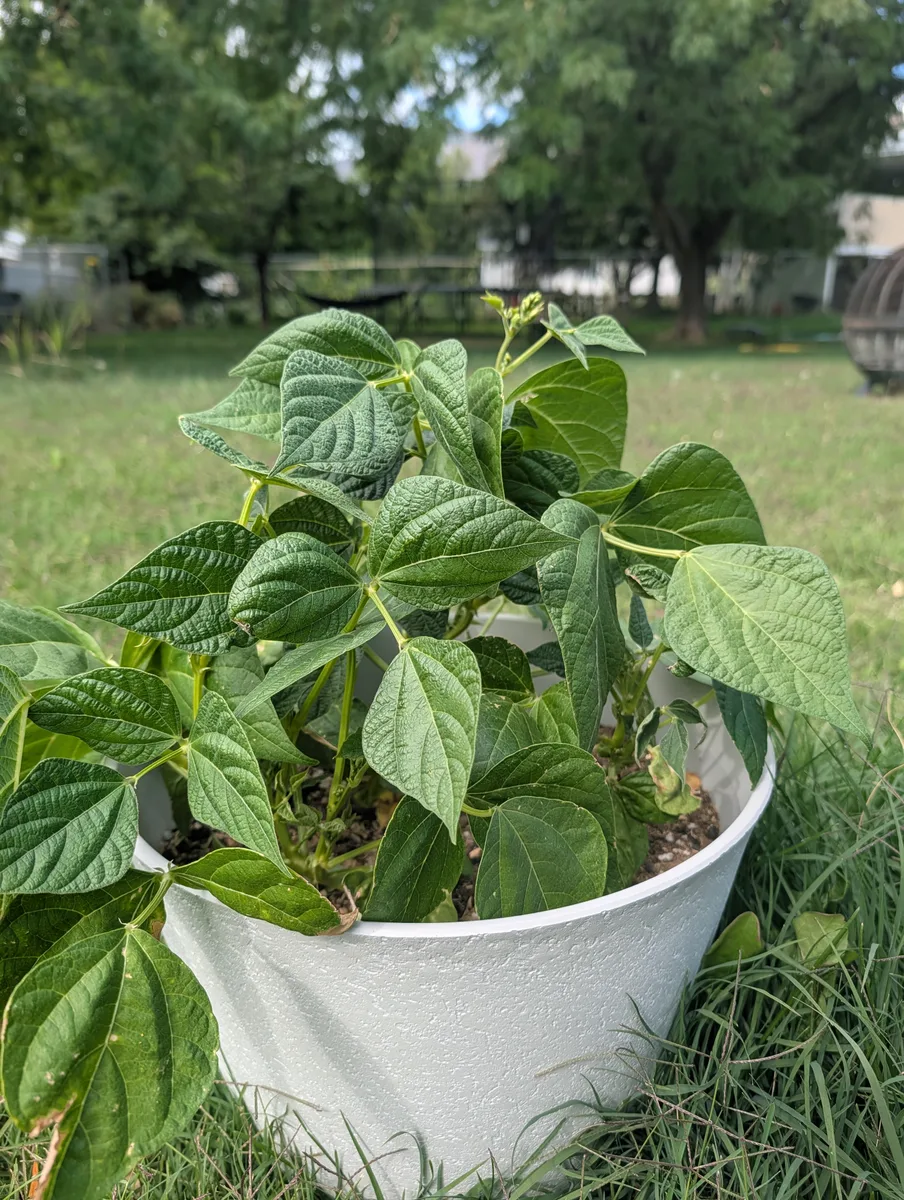
On the plant’s page the photos line up oldest first under How it has looked, each one marked with how many days old the plant was. These bush beans went from a seed in May to their first flowers in July. Tap Compare two photos and GardenTrack tells you what changed between them, in plain words.
How it has looked
4 photos · May 18 to Jul 16
Saturday · 9:00 AM
If you haven’t sorted a photo yet, GardenTrack hangs on to it until you do.
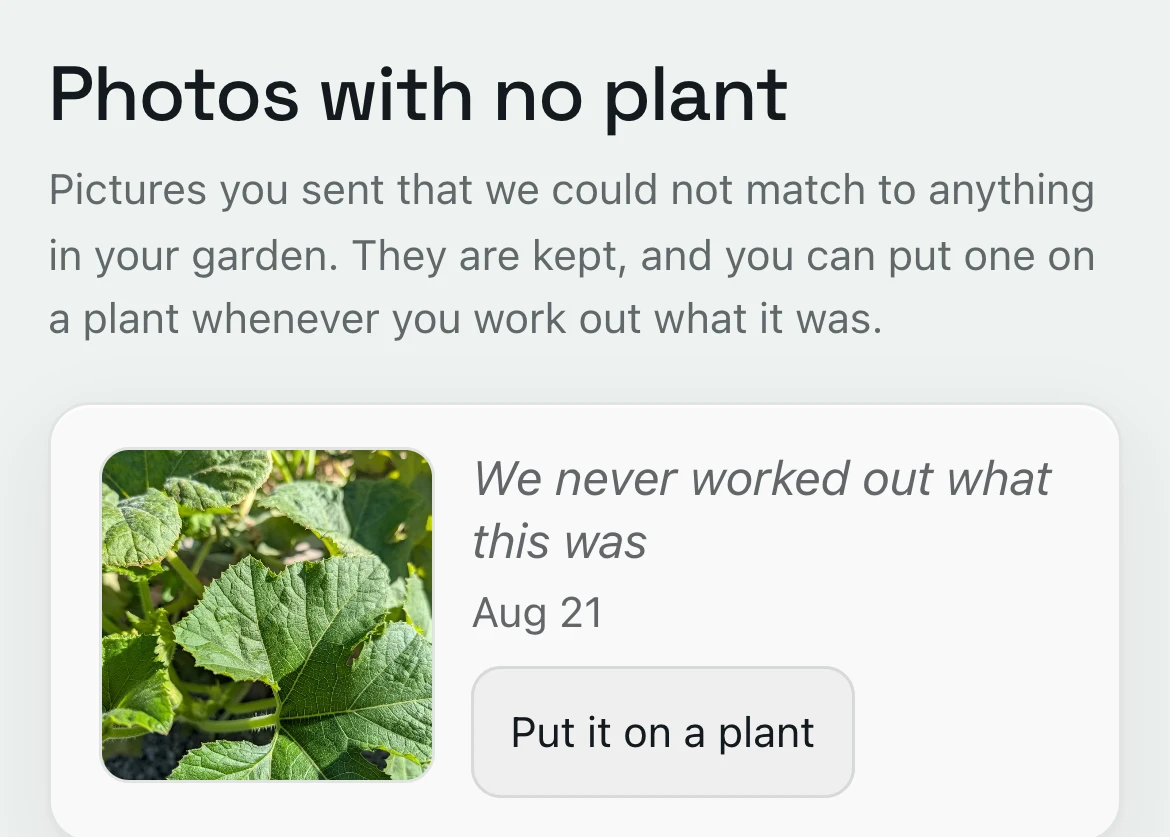
A photo that isn’t on a plant yet waits under Photos with no plant.
Tap Put it on a plant and pick which one, and it’s in. If you sent the photo in a chat, there’s a button that asks GardenTrack to guess, and when the photo looks like one of your plants it says so, and one tap puts it there.
Everything else GardenTrack keeps track of.
- TodayIt shows your weather and today’s jobs, bed by bed, before you head outside.
- Frost and heatIt works out frost dates for your spot, warns you days ahead, and names the plants to cover on the night.
- Journal and free Season RecapIt keeps a record of your garden from year to year, and the free Season Recap lets you talk through how it went.
- Your gardenIt keeps every plant where it really lives, whether that’s a bed, a pot, a tree or the greenhouse.
- Calendar and What still fitsIt lays out your season week by week and shows what you can still plant this year.
- Garden PlannerYour whole plan for the rest of the year, and the time it takes.
- TalkAsk a question in your own words, and the answer starts from what you’ve planted and logged.

Walk your own garden, and see what GardenTrack finds.
Free to start. No credit card required.